Snaptube Player Download: See What It Plays and How to Use It
 Download Snaptube
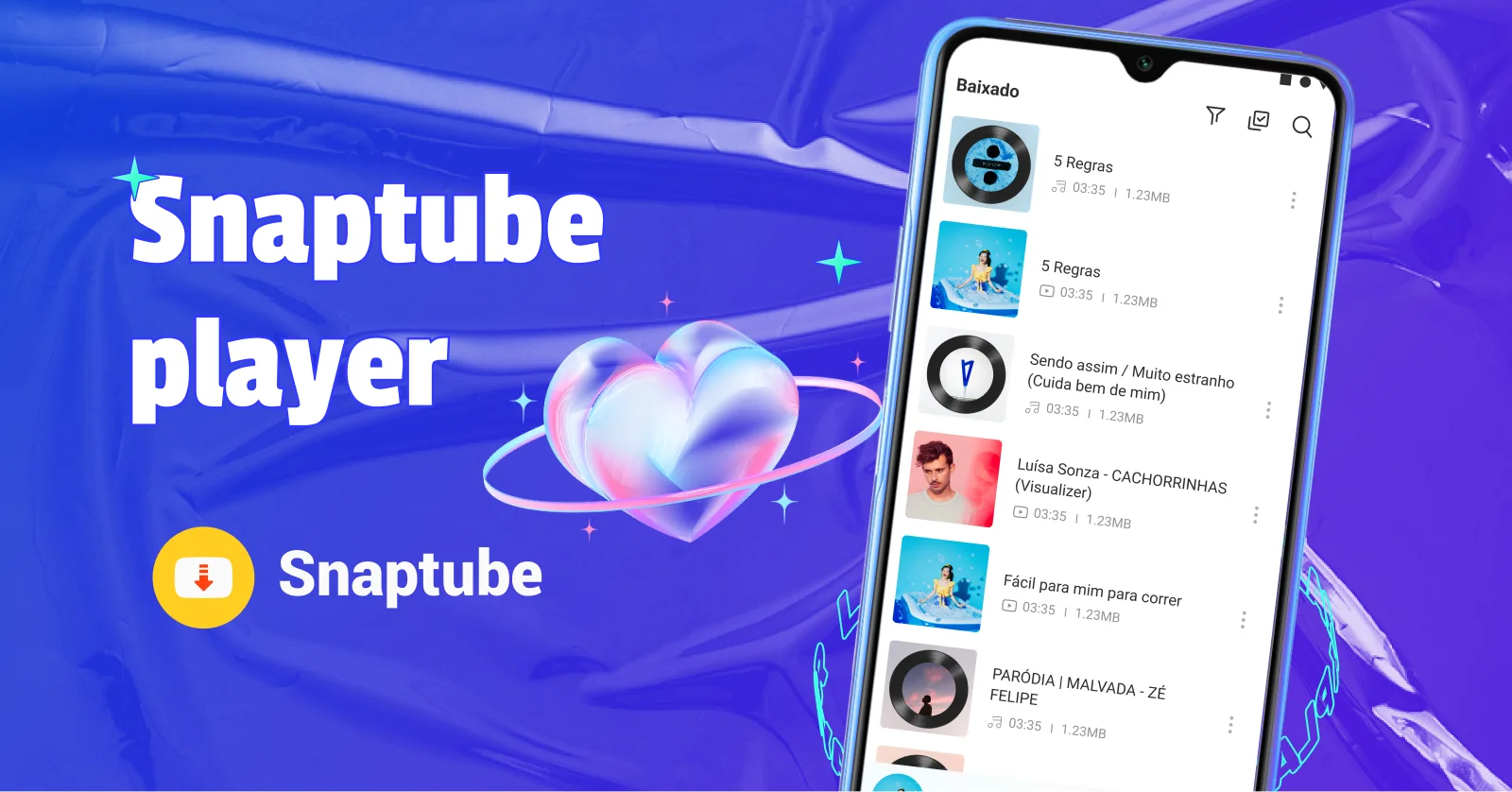
Plenty of people look for Snaptube Player as if it were a separate app. It isn't: the player comes inside Snaptube, the Android downloader app. Here you'll see where to find it, what it plays and how people use it day to day.
Snaptube Player Download: Where It Actually Comes From
The Snaptube Music Player download people look for is not a separate page. What you download is Snaptube, and the player comes with it.
The Player Is Part of the Snaptube App
Snaptube Player is not a separate app and has no installer of its own. Any site offering a download of just the player is not official.
Download Snaptube from the Official Site
Get the Snaptube APK from the official site. The full step-by-step installation guide is on our download page.
Open the "Play" Tab after Installing
With the app installed, open Snaptube and go to the "Play" tab. The player is there, with everything you've already downloaded.
First the Download, Then the Player
Before playing anything, you need the file on your phone. That's where Snaptube's main function comes in.
Snaptube Is, above All, a Downloader App
Snaptube was built to download videos and music. The player is the part that plays back what is already saved, and it doesn't work on its own.
Download from over 100 Sites
Instagram, Facebook, TikTok and more than 100 other sites, all from the same app.
Choose the Format and Quality
Before downloading you set the format: MP4 for video, MP3 or M4A for audio. Resolution runs from 144p to 4K and audio from 128 to 320 kbps.
Download a Whole Playlist at Once
When the link is a playlist, the whole thing comes at once, with no need to open item by item.
What Snaptube Player Plays
Once downloaded, everything is ready to play in the app itself.
Snaptube MP3 Player: Music in MP3 and M4A
The player plays the audio you downloaded, in MP3 or M4A, at the quality you chose when downloading.
Videos Play in the Player Too
There is no separate Snaptube video player download: it is the same player. Downloaded videos open in the same place, with no need for another app.
Listen and Watch Offline
Once the file is on your phone, playback uses no internet. Only the download needs a connection.
Keep Listening with the Screen Locked
The music keeps playing with the phone in your pocket or while you use other apps.
The Snaptube Music Player
Searches like Snaptube Music Player download latest version show up a lot. It's worth clearing up what it is and how to get to your music.
"Music Player" and "Player" Are the Same Thing
There is no separate music app. Snaptube Music Player is the same player that comes with Snaptube, seen from the music side.
Where to Find Just Your Music
In the "Play" tab, you can filter down to audio only and leave the videos out. That takes you straight to your music list.
Downloading Music in MP3 with Snaptube
To keep only the sound, choose MP3 on the format screen. The track is saved and shows up in your library in seconds.
How People Use Snaptube Player
In practice, the player tends to solve situations where the internet doesn't help.
On the Road, by Motorbike or Bus
On a motorbike you can't stop and fiddle with your phone when the music stalls. With the playlist already downloaded, the sound keeps going in tunnels, on the highway and anywhere there's no signal.
Studying or at Work
Hours of studying or a long shift call for music without interruptions. Download the night before and you can listen all day without using up your data plan.
Travelling, on the Subway or on a Plane
Downloaded videos open right away, with no pausing to buffer. It works on the subway, on a plane and anywhere the signal is weak.
That Song That Vanished from Streaming
Hymns, old recordings and independent artists sometimes disappear from music apps. If you can find the content, you can download it and keep it.
Snaptube Player Online: Can You Listen without Downloading?
That's a common question from people searching for "Snaptube player online".
That's a common question from people searching for Snaptube player online.
Snaptube Player is a local player: it plays files that are already saved on the device. There is no version of it that plays straight from the web.
Want to Listen before Saving? Use the Preview
If the idea is to check the content before saving it, Snaptube's online tools show a preview in your browser.
A Tool for Each Social Network
Instagram at snapgram.io, Facebook at fvidgo.com, Pinterest at pinpea.com, TikTok at sssstik.com and Twitter (X) at twikite.com.
Frequently Asked Questions about Snaptube Player
The player is part of the Android app, so it doesn't run on those devices. On a computer or an iPhone, use Snaptube's online tools in your browser.
No. The Snaptube Player comes with the app and is free, with no subscription and no paid version.
No. It plays files that are already on your phone; only the download needs a connection.
Downloads fail when storage runs out. Delete what you no longer use or change the destination to the SD card.
Yes. As long as it's the official version, the features are the same on any compatible device.