
Snaptube Official Site - What Is Snaptube?
What the Snaptube Official App Does
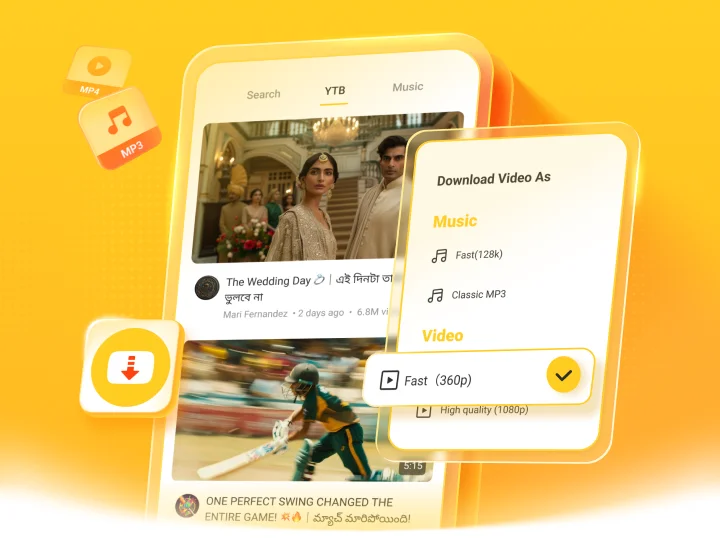
The Snaptube official version is a free Android app that lets you download videos and music from social media and many other sites, and play them offline whenever you want. You can pick the format and quality, save audio as MP3, and keep everything on your phone - no account or login needed.
Snaptube App Official: How to Know It's Real
Because Snaptube isn't on the Google Play Store, there's no store badge to prove it's official, so it helps to know what the real one looks like. A few simple checks:
Snaptube is not on Google Play. Any app there with a similar name or the same logo is a fake copy, not the real Snaptube.
The official website has no ads and no confusing pop-ups. If a 'Snaptube' site is full of ads, be careful.
On the official site, the download button gives you the APK directly, without sending you through extra pages or other apps.
The images look clear and real. Blurry, stolen-looking pictures are a common sign of a fake site.
In fact, many people use a fake version for a long time without realizing it - some even think 'Snap Video' and 'Snaptube Video' are made by the same company. The simple checks above help you avoid that.
Where to Download the Official Snaptube
Get the genuine Snaptube only from trusted places:
This official website (the download button on this page).
The app stores of Android brands like Xiaomi, OPPO, vivo, Huawei, HONOR, and Transsion.
Trusted third-party sites such as Uptodown and APKPure.
Snaptube Official Website - What You Can Do

Download Videos & Music
Save the videos and music you like straight to your phone, for free.

Download From 100+ Sites
Snaptube works with Instagram, Facebook, TikTok, and more than 100 other sites, so you can get your content from one app.

Save as MP3
Turn any video into an MP3 audio file when you only want the sound.

Choose the Quality, Up to 4K
Pick the format and quality that fit you, from small sizes up to 4K.

Play Offline
A built-in player lets you watch and listen to your downloads offline, anytime.

Download in Batches
Select several files and download them all at once to save time.

Download Fast
Snaptube keeps downloads fast and stable, even on slower connections.

No Login Needed
Just open it and start - no account, no sign-up, and no personal details required.

100% Free
Every feature is free. There's no paid version, no subscription, and no hidden charges.
How People Use the Official Snaptube
Listen Offline and Save Data
Once you download a song or a playlist, it stays on your phone and plays without any internet. That means no buffering, no wasted mobile data, and no problem when the signal drops. For many people, this is the main reason to download with Snaptube instead of streaming.
While Riding a Motorcycle
On a motorcycle, you can't stop to restart a paused song or fix a weak signal. With your playlist already downloaded, the music keeps playing from start to finish - through tunnels, on the highway, or in areas with no coverage - so you just ride and listen.
While Studying
Long study sessions need steady background music without interruptions. Download your focus playlists in advance, and they play straight through - no ads breaking your concentration and no dropped connection stopping the song.
At Work
A long shift is easier with your own music. Download everything the night before, and you can listen all day without streaming, without using up your data plan, and even where the Wi-Fi or signal is unreliable.
Watch Videos Offline
Save the videos you want and enjoy them later without internet - on a long trip, on the subway, on a flight, or anywhere the connection is weak or expensive. Because the file is on your phone, playback is smooth and never stops to buffer.
Videos for WhatsApp Status
Found a funny clip or a nice photo you want to share? Download it and post it to your WhatsApp Status in seconds. You can also save a Status you liked before it disappears, and keep it on your phone to watch again or re-share.
Clips for Remixing
Creators and hobbyists use Snaptube to collect raw material. Download clips and audio to edit, remix, add to a video project, or reuse in your own content - with the format and quality you need already chosen at download.
Is the Snaptube Official APK Safe?

Not on Google Play, but Still Safe
Snaptube isn't on the Google Play Store because of the store's app policies - not because of any safety problem. This is common for this kind of app, and it simply means you install Snaptube from an APK file instead of through the store. Downloaded from the official site, it's safe to use.
Checked by Trusted Antivirus
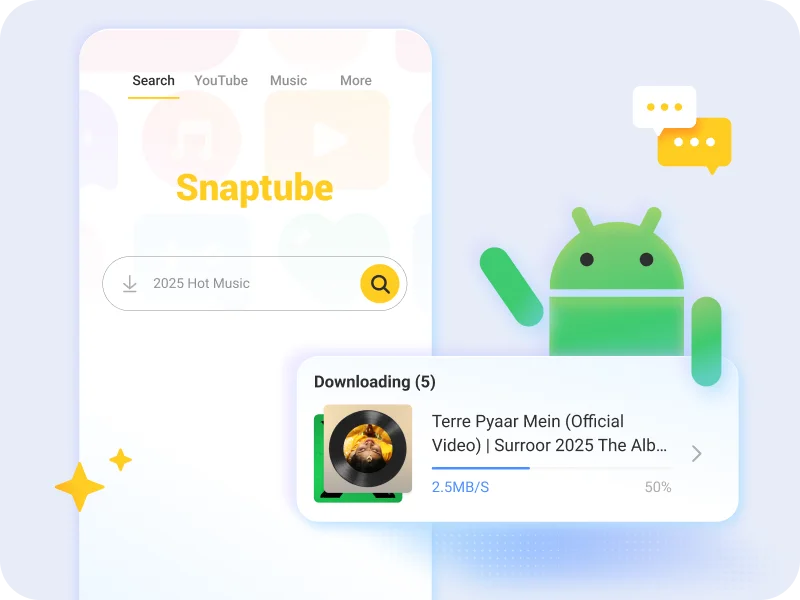
Snaptube has passed security checks from well-known providers such as PSafe dfndr, Kaspersky, Avast, and McAfee. As long as you download it from the official site, you can install it with confidence.
No Data Collected
Snaptube doesn't ask you to log in and doesn't collect your personal information. It only needs storage and network permissions to work, so your data stays with you.
Snaptube APK Official: How to Install
Installing the official Snaptube takes less than a minute. Just follow these steps.
Step 1 - Download the APK
Tap the download button on this page to save the official Snaptube APK file to your phone.
Step 2 - The 'File Might Be Harmful' Warning
While downloading, you may see a message saying 'This file may be harmful.' This is a standard Android warning for any app installed outside the Play Store, and it appears even for trusted apps. The file here is the official version, so you can tap 'Download anyway' to continue.
Step 3 - Allow Installation From Unknown Sources
When you open the file, Android may ask you to allow installation from unknown sources. Turn this on for your browser or file manager. It only lets you install apps from outside the store and doesn't mean the app is unsafe - you can turn it off again afterward.
Step 4 - Install and Open
Confirm the installation and wait a few seconds. Once it's done, open Snaptube and start downloading videos and music right away.
Recommended by Creators
Snaptube is trusted by content creators and by users who have relied on it for years. Here's what some of them say.
Frequently Asked Questions
No. The official Snaptube is completely free, and there is no paid or premium version. Any 'premium,' 'unlocked,' or 'mod' version you see is a fake and can be risky.
First, download the APK again to make sure the file wasn't interrupted. When installing, allow installation from unknown sources if asked, and check that your phone has enough free storage. Then open the file again and it should install normally.
Snaptube is an Android app, so there's no version for PC or iPhone. On those devices, you can use our online web tools in a browser instead, without installing anything.
Snaptube works on most Android phones and tablets running Android 5.0 or later. It's lightweight and runs smoothly even on older or entry-level devices.
Your downloads are saved on your phone. You can find them inside Snaptube, in the downloads section, and downloaded videos also appear in your phone's gallery.